Figma Course

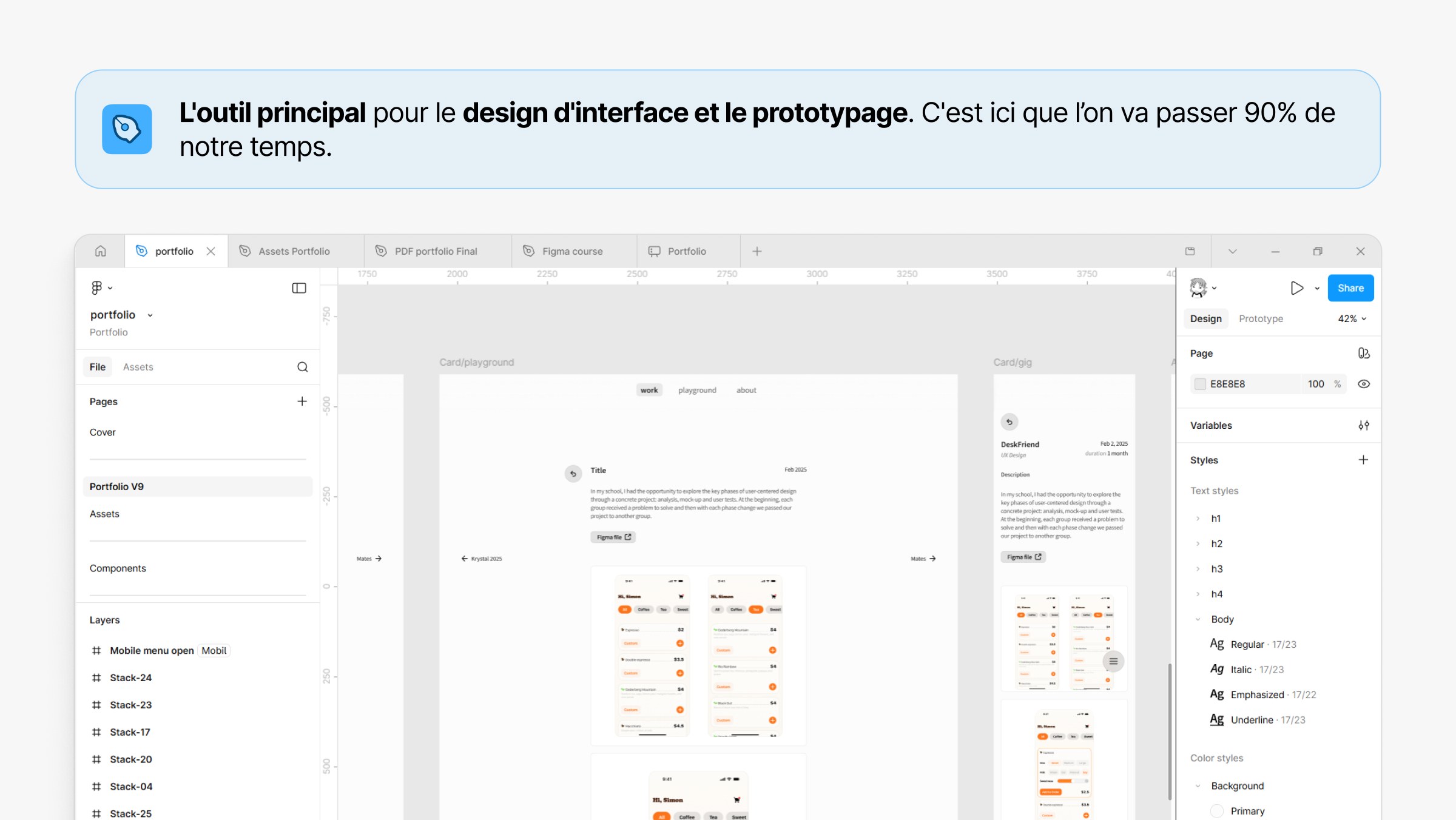
Summary: ENSC engineering students had to build UI prototypes for their projects but lacked formal Figma training, resulting in messy files and broken layouts. I created a comprehensive 94-slide Figma course covering everything from the basics to developer handoff, and gave it to the faculty to use as a teaching asset.
The Challenge
At ENSC, engineering students have to build interactive UI prototypes for their projects. But without formal Figma training, most students just relied on trial and error. This led to messy files, broken layouts, and inconsistent interfaces, which made user testing and developer handoffs a lot harder than they needed to be.
Building the Course
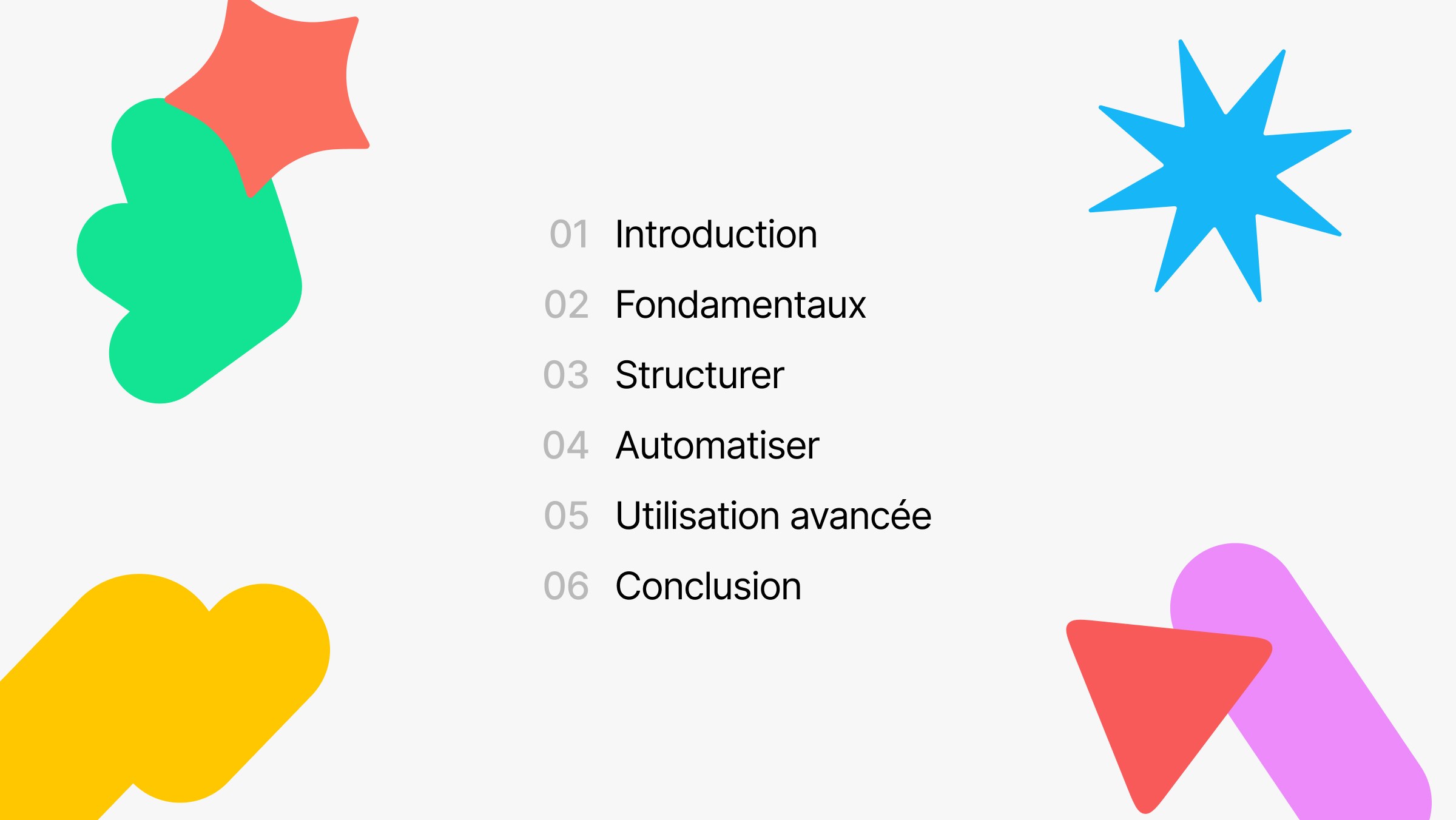
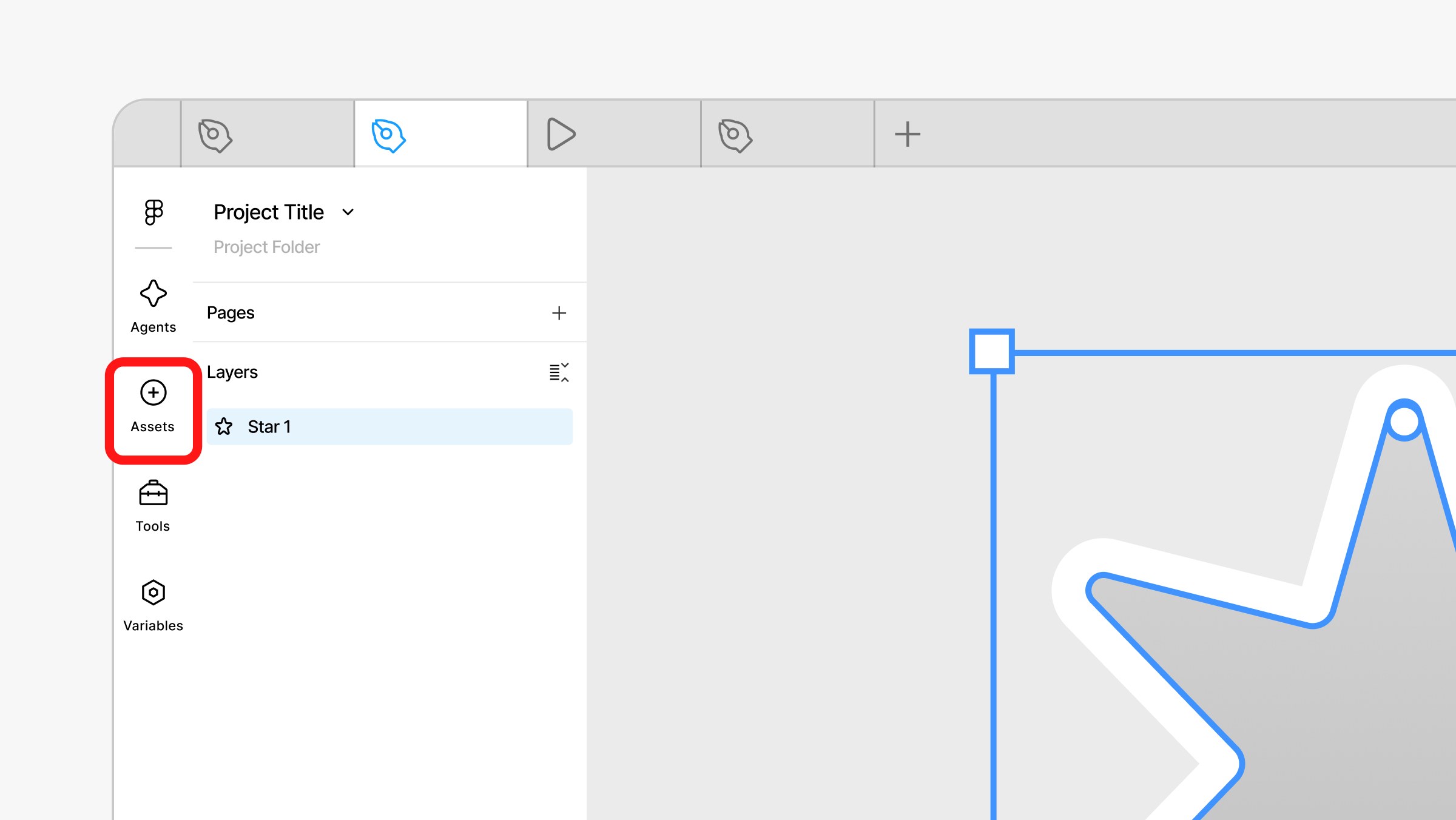
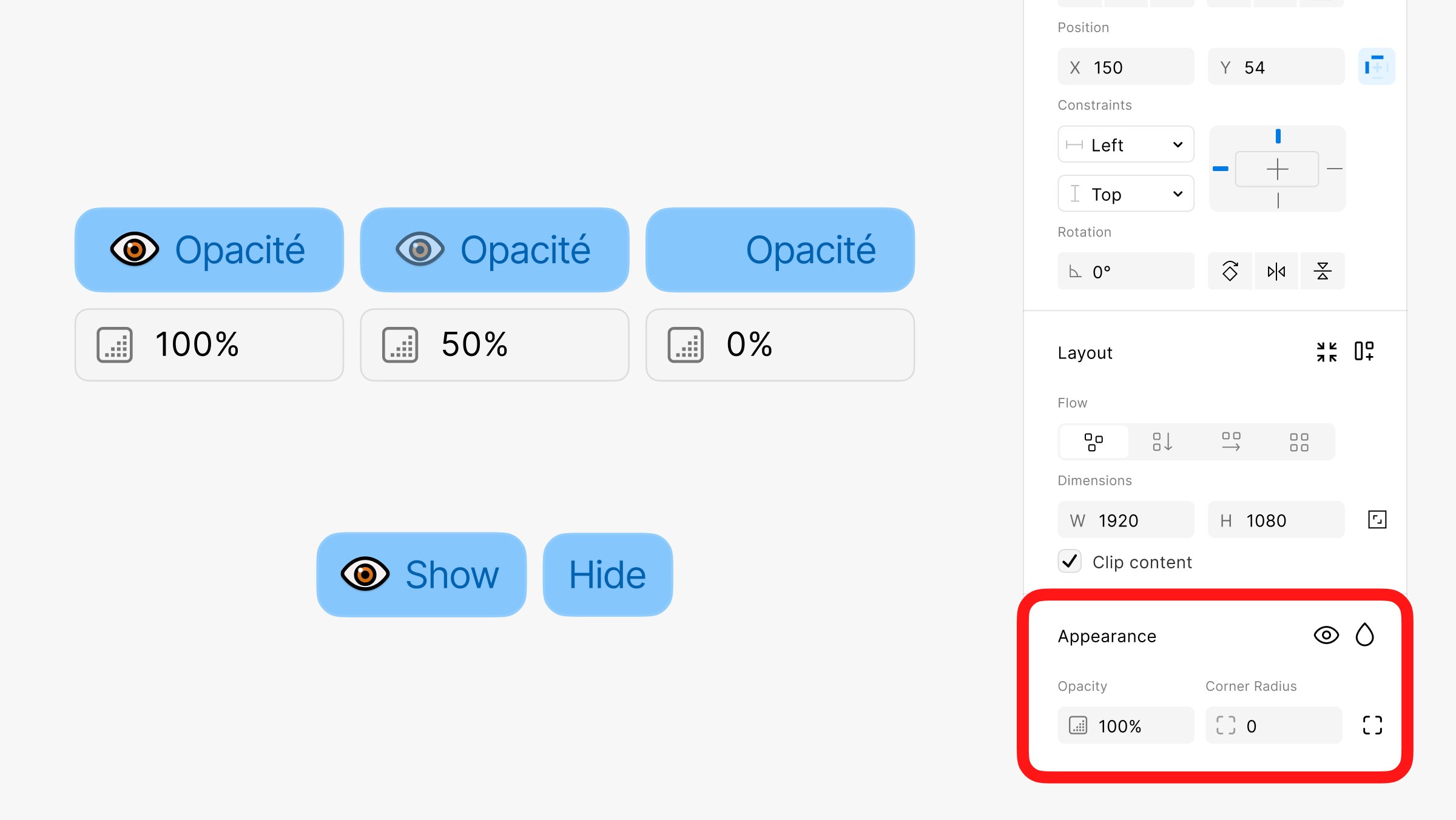
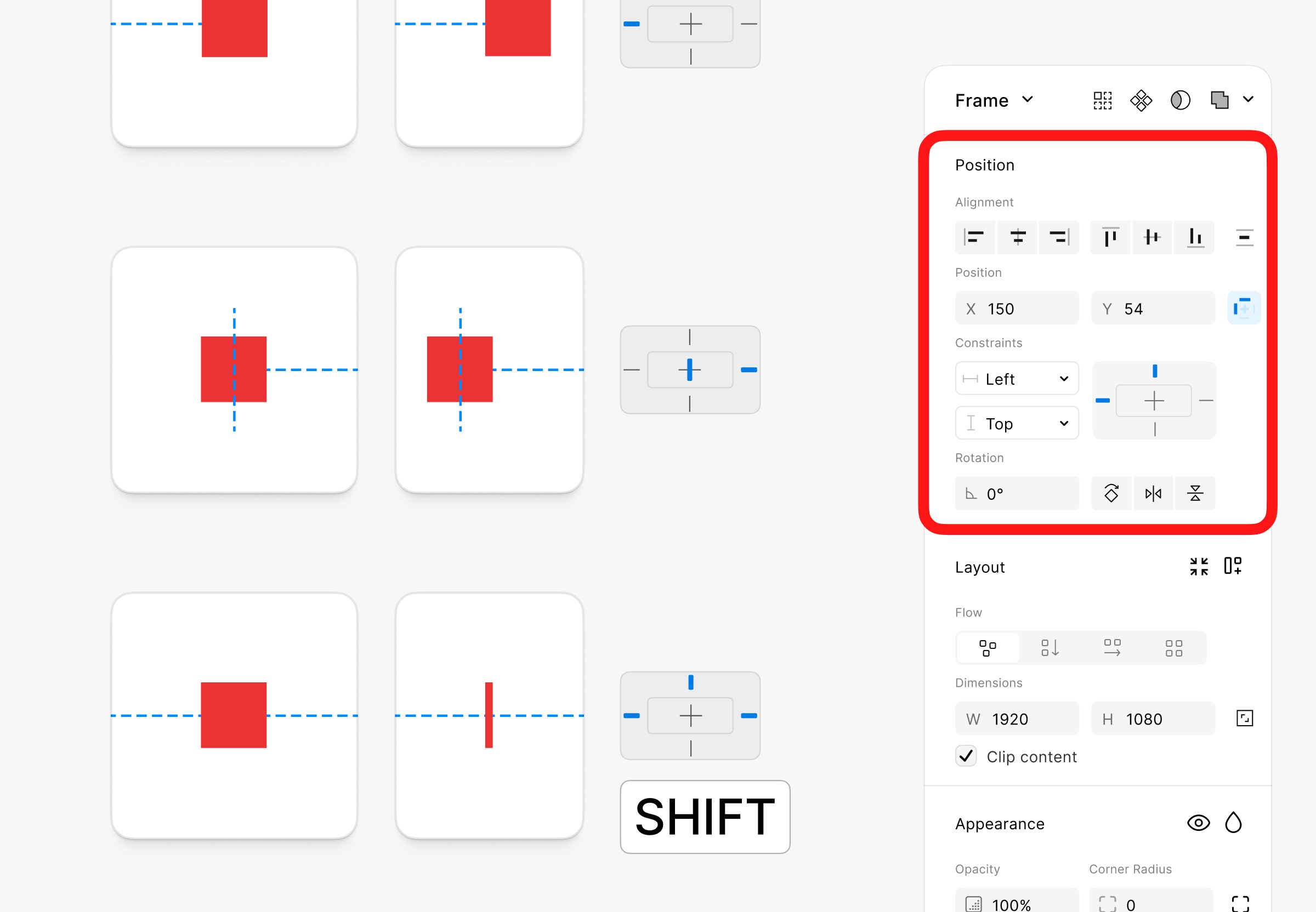
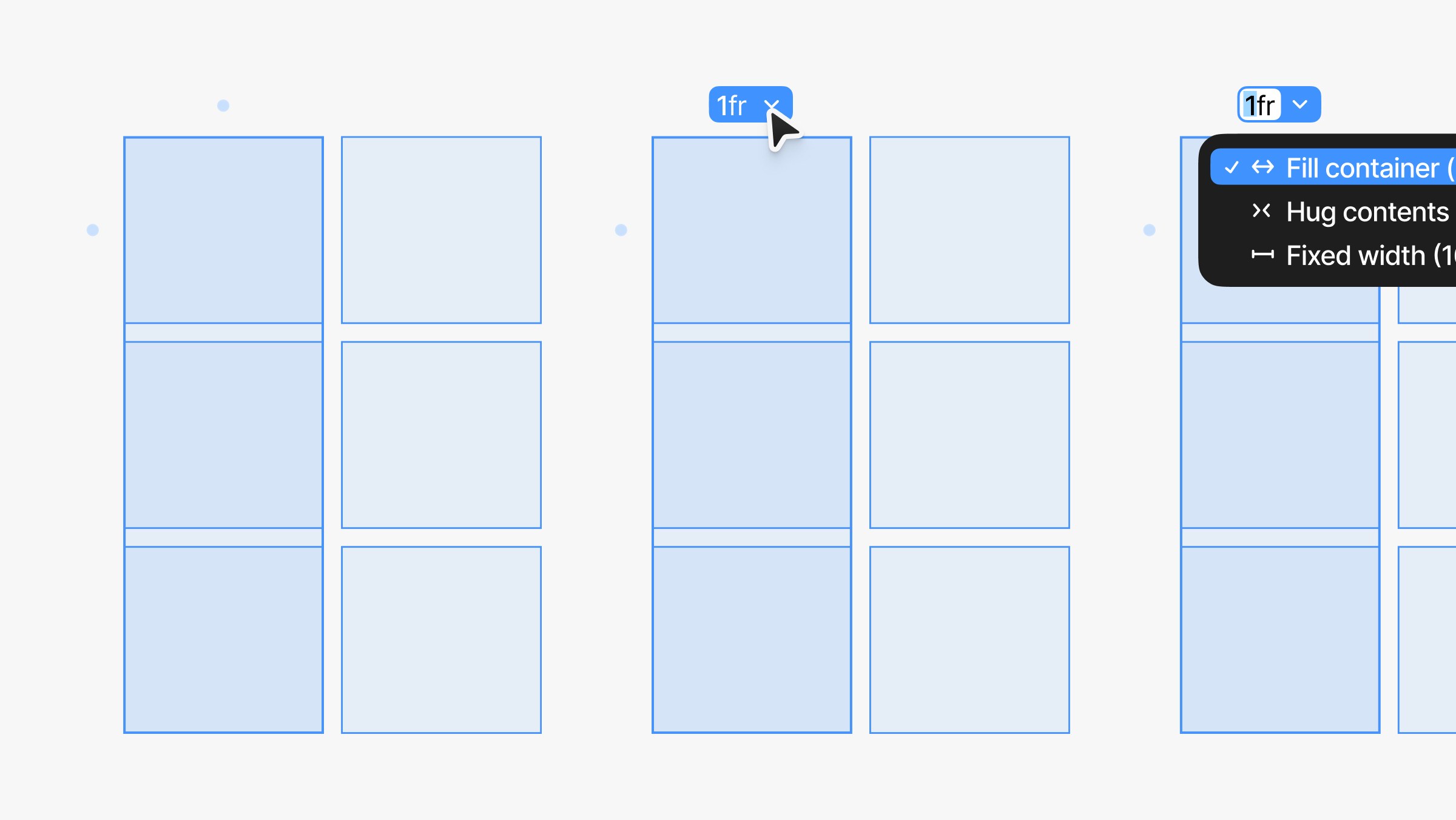
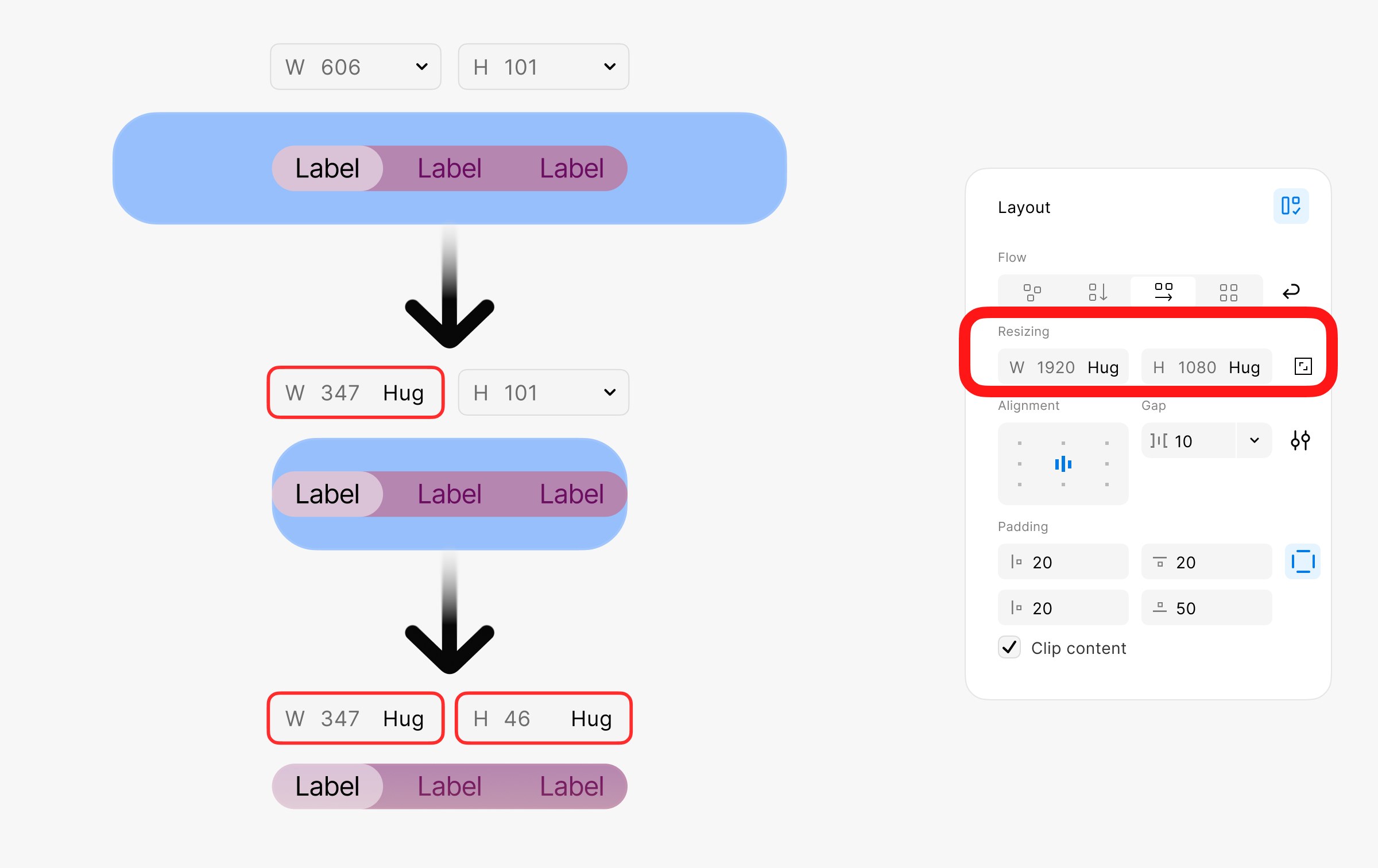
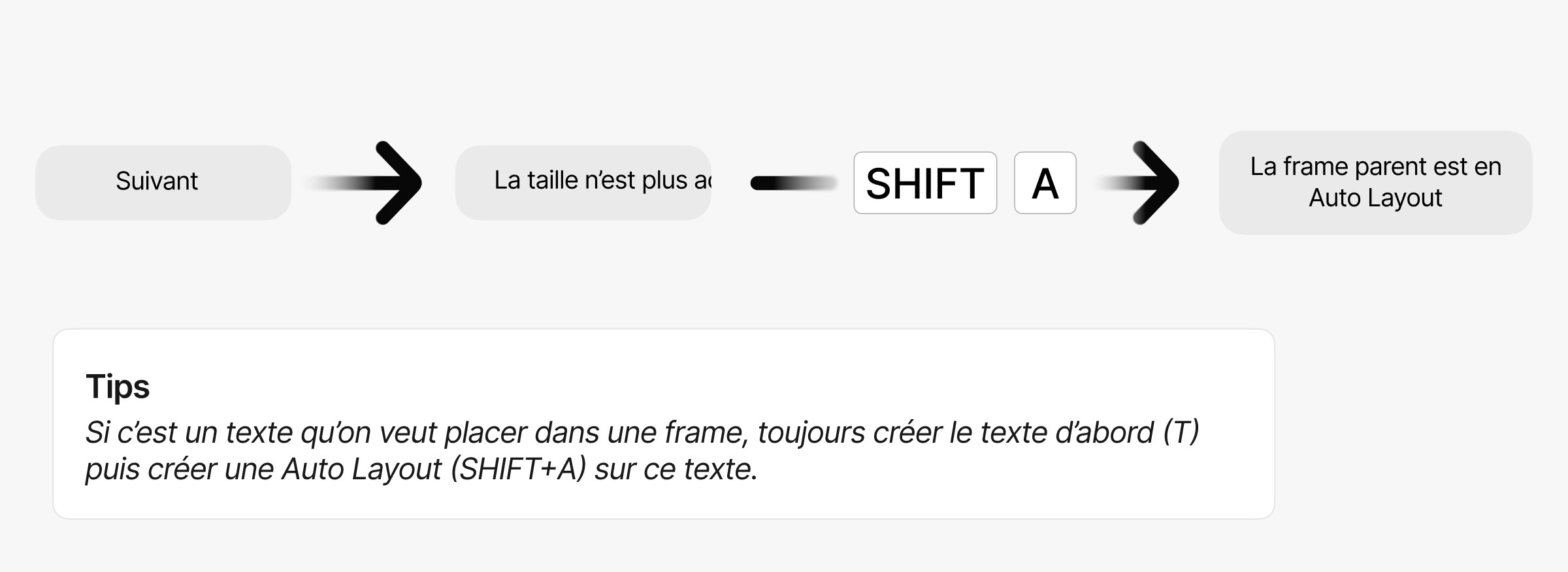
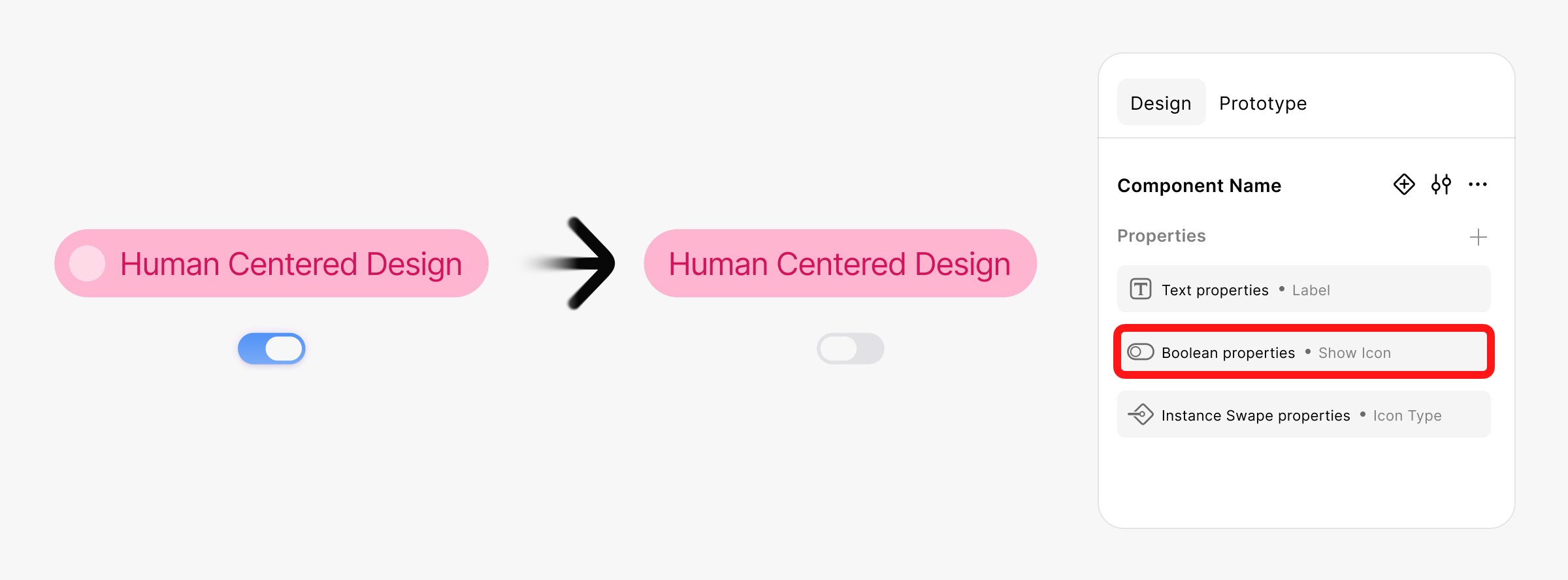
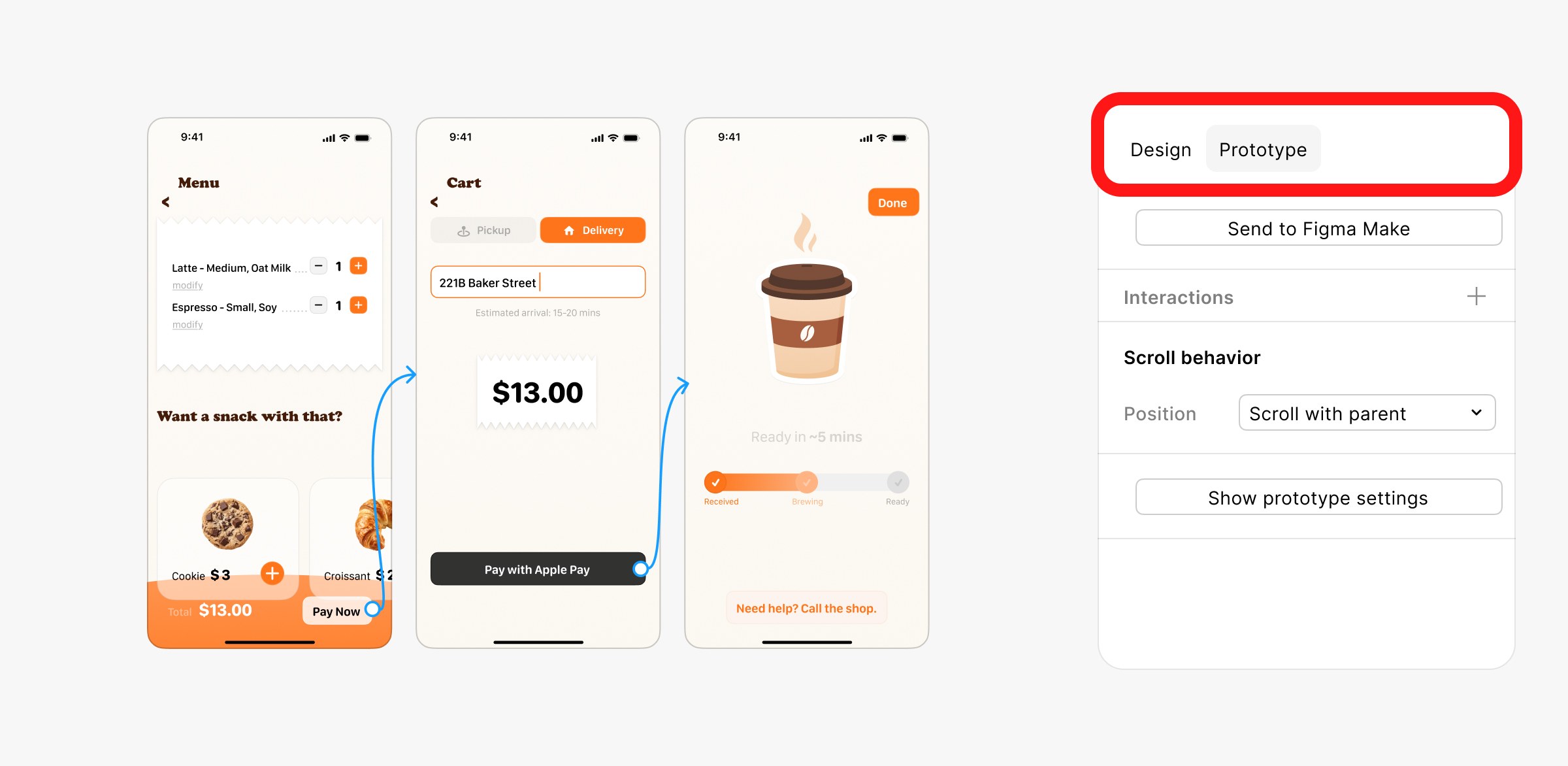
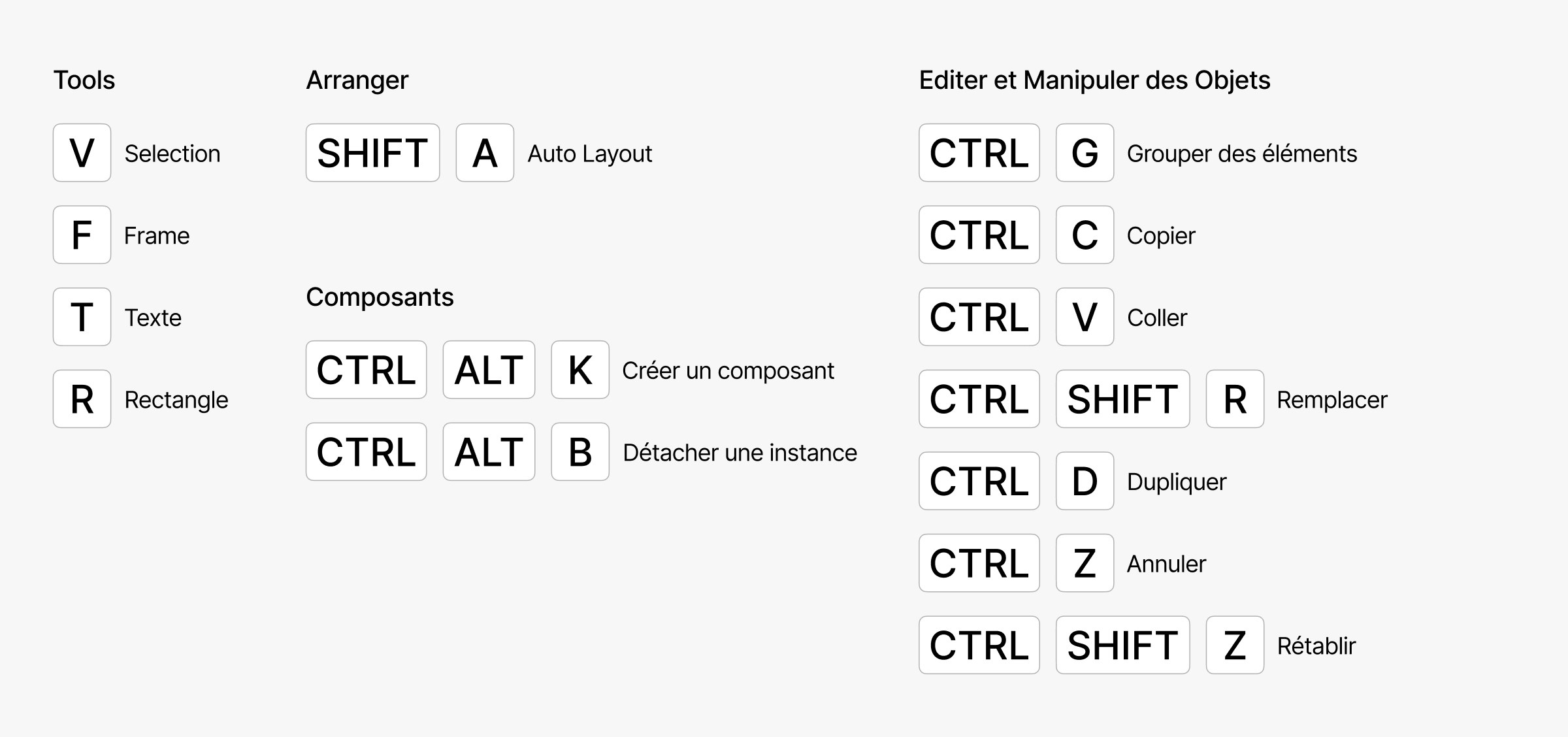
I wanted to help students replace guesswork with solid basics, so I built a 94-slide course directly inside Figma. To keep things clear and easy to follow, I skipped static screenshots and drew vector diagrams to explain concepts like Auto Layout, nesting, and variables.
I am also developing practical exercises based on the actual projects they have to deliver for school. These tutorials will walk them through things like making scalable buttons, setting up component variants, and using variables.
Handing it Over
After getting feedback from my classmates to make sure everything worked well, I gave the finished course to the ENSC faculty. I started this on my own to give professors who aren’t Figma experts a ready-to-use resource for their classes.
Impact
By sharing this course with the school, the goal is to help future students build clean, testable prototypes that actually look and work like professional software.